Arrange Your Room Online
Moving heavy furniture just to test an idea is exhausting. This planner turns your room into a scaled floor plan. Enter your room size, add common furniture like a sofa, bed, desk or dining table (or your own sizes), mark your doors and windows, then drag the pieces around until the layout feels right. Everything is drawn to scale, in inches or centimeters.
Loading the planner…
Tip: leave 30–36″ (75–90 cm) for walkways and about 18″ (45 cm) between sofa and coffee table. Doors and windows snap to the nearest wall, and a door shows the space it needs to swing open.
- Choose your units: feet and inches, or meters and centimeters.
- Enter your room length and width.
- Choose a piece of furniture from the list and tap Add. For your own sizes, type a name, width and depth, then tap Add custom piece.
- Set the width of your door or window, then tap Add door or Add window. They snap to the nearest wall when you drop them, and a door shows the space it needs to swing open.
- Drag items into position. Tap an item to select it, then tap Rotate selected to turn furniture 90 degrees.
- Select an item and tap Delete selected (or double-click it) to remove it, or tap Clear all to start again.
- Take a screenshot of the layout you like.
- Leave 30 to 36 inches for main walkways and about 18 inches between the sofa and coffee table.
- Place your biggest piece first, such as the bed or sofa, then build the room around it.
- Leave at least 24 inches on the sides of a bed so you can walk around it comfortably.
- Keep doors, closets and drawers clear so they can open fully.
- In a studio, create zones for sleeping, living and working, and use a rug or shelf to separate them.
Are the furniture sizes accurate?
The built-in pieces use typical sizes, such as 84 × 36 in (213 × 91 cm) for a sofa and 60 × 80 in (152 × 203 cm) for a queen bed. For your own furniture, use Add custom piece and enter exact measurements.
How do I arrange furniture in a small living room?
Choose a loveseat or small sofa, a slim coffee table and keep open floor space. Pulling furniture slightly away from the walls can also make the room feel larger.
Can I use it on my phone?
Yes. Touch and drag the pieces on the floor plan.
Can I use centimeters?
Yes. Switch Units to meters and centimeters. The room is then entered in meters and furniture in centimeters, and the numbers you already typed are converted for you.
Can I add doors and windows?
Yes. Set the width, then add a door or window and drag it to a wall. It snaps to the nearest wall. A door shows a square for the space it needs to swing open, and the planner warns you if furniture blocks it.
Does it save my layout?
Not yet, so take a screenshot to keep your favorite version.
Will my furniture fit through the door?
The planner checks the door swing inside the room, but not your hallway, stairs or elevator. Measure your doorway and delivery route before you buy large pieces.
Read the full room layout guide ↓
How to Arrange Furniture in Any Room, Without Moving a Single Sofa
Pushing a sofa across the room just to see how it looks is the kind of job that ends with a sore back and the same layout you started with. A floor plan lets you try ten arrangements in ten minutes.
The planner above draws your room to scale and lets you drag furniture around with a finger or a mouse. This guide shows you how to use it well: what to measure, where to start, how much space to leave around each piece, and which layouts work in which rooms.
How the planner works
- Choose your units and enter the room size. Pick feet and inches or meters and centimeters under Units, then type the room length and width. The floor plan redraws to scale.
- Choose a piece from the list and tap Add. It appears in the top-left corner of the room. For your own sizes, type a name, width and depth and tap Add custom piece.
- Mark doors and windows. Set the width, then tap Add door or Add window. They snap to the nearest wall when you drop them, and a door shows the square of space it needs to swing open.
- Drag it into position. Tap a piece to select it, then use Rotate selected to turn furniture 90 degrees.
- Delete or start over. Use Delete selected (or double-click a piece), or Clear all.
- Watch the warning line. If two pieces overlap, or a piece blocks a door swing, the planner tells you.
- Take a screenshot of the layout you like. The planner does not save layouts yet.
The planner works on phones too. Touch a piece and drag it across the floor plan.
Measure before you plan
A layout is only as good as the numbers behind it. Before you open the planner, grab a tape measure and note:
- Room length and width from wall to wall (measure at floor level, not at the baseboard).
- Door and closet swings. Doors need clear space to open fully, so make a note of how far each one reaches.
- Windows, radiators and vents. Tall furniture in front of them blocks light and heat.
- Outlets and light switches. You will want lamps and chargers near the right pieces.
- Your own furniture. Measure width, depth and height of anything you already own.
Mark each door and window in the planner so you can see them while you drag pieces around. Note which way each door opens, because the planner shows the swing as a square of space that furniture should stay out of.
Need the floor area of the room as well? Our Room Size Calculator works it out from your measurements.
The furniture sizes in the planner
The built-in pieces use typical sizes. If your piece is a different size, tap Add custom piece and enter its exact width and depth in inches or centimeters.
| Piece | Width × depth (in) | Width × depth (cm) | Floor area (sq ft) |
|---|---|---|---|
| Sofa | 84 × 36 | 213 × 91 | 21.0 |
| Loveseat | 58 × 36 | 147 × 91 | 14.5 |
| Queen bed | 60 × 80 | 152 × 203 | 33.3 |
| Twin bed | 38 × 75 | 97 × 191 | 19.8 |
| Desk | 48 × 24 | 122 × 61 | 8.0 |
| Coffee table | 48 × 24 | 122 × 61 | 8.0 |
| TV stand | 55 × 16 | 140 × 41 | 6.1 |
| Armchair | 32 × 32 | 81 × 81 | 7.1 |
| Dresser | 60 × 18 | 152 × 46 | 7.5 |
| Dining table | 60 × 36 | 152 × 91 | 15.0 |
| Nightstand | 18 × 16 | 46 × 41 | 2.0 |
| Bookshelf | 32 × 12 | 81 × 30 | 2.7 |
Floor area is width times depth divided by 144, rounded to one decimal. Centimeters are rounded to the nearest whole number.
How much floor will it use?
Before you drag anything, it helps to know how much of the floor your furniture will cover. If the pieces take up most of the room, no arrangement will feel spacious. Enter your room size in feet and the quantity of each piece to find out.
This number covers only the floor under the furniture. You also need room to walk, open doors and pull out chairs, which the spacing rules below explain.
Start with the anchor piece
Every room has one piece that everything else depends on. Place it first, then build the room around it.
- Bedroom: the bed. Most beds sit best with the headboard on the longest solid wall, away from the door and not directly under a window if you can avoid it.
- Living room: the sofa. Place it facing the focal point, such as a TV, a fireplace or a view.
- Dining room: the table. Center it under a light fixture if there is one.
- Home office: the desk. Place it where it gets natural light and you can see the door if possible.
Once the anchor is in place, add the supporting pieces one at a time: nightstands beside the bed, a coffee table in front of the sofa, a bookshelf against a spare wall. Rotate pieces as you go, since turning a piece 90 degrees often solves a tight spot.
Spacing rules that work
Good layouts leave room to move. These guidelines are the ones designers use most often, and the planner’s tips follow them.
- About 18 in (45 cm) between the sofa and the coffee table keeps drinks within reach without bumping knees.
- 30 to 36 in (75 to 90 cm) for main walkways so two people can pass comfortably.
| Situation | Space to leave | Why |
|---|---|---|
| Main walkways | 30 to 36 in (75 to 90 cm) | Comfortable for two people to pass |
| Sofa to coffee table | About 18 in (45 cm) | Within reach, with room for your legs |
| Sides of a bed | At least 24 in (60 cm) | Walk around the bed and make it easily |
| In front of a dresser | About 36 in (90 cm) | Drawers open fully and you can stand in front of them |
| Dining table to wall | About 36 in (90 cm) | Chairs can be pulled out and people can pass behind them |
| Doors, closets and drawers | Their full swing | Nothing should block them from opening |
These are guidelines, not laws. In a tiny room you may need to trade a few inches, but check that the paths still feel comfortable.
Want to test these spaces on your own room? Back to the planner ↑
Layout ideas by room
These starter combinations use only pieces from the planner’s list. Enter the room size, add the pieces and drag them around.
| Room | Try this room size | Add these pieces | Layout idea |
|---|---|---|---|
| Living room | 14 × 12 ft | Sofa, armchair, coffee table, TV stand, bookshelf | Sofa facing the TV stand, armchair angled at a corner, bookshelf on a spare wall, walkway on one side |
| Bedroom | 12 × 10 ft | Queen bed, 2 nightstands, dresser | Bed centered on the longest wall with a nightstand on each side, dresser opposite so drawers open fully |
| Home office | 10 × 10 ft | Desk, bookshelf, armchair | Desk near the window, bookshelf behind or beside it, armchair in a corner for reading |
| Dining room | 12 × 12 ft | Dining table, bookshelf | Table centered in the room with at least 36 in on each side for chairs, bookshelf against the wall |
| Studio | 16 × 12 ft | Queen bed, loveseat, desk, dresser, bookshelf | Bed at one end, loveseat and shelf marking a living zone, desk by the window |
Three living room arrangements to try
- Against the walls. Pushes everything to the edges for an open center. It works well in narrow rooms and for activities that need floor space.
- Conversation grouping. The sofa and armchair face each other around a coffee table. It suits rooms where people talk more than they watch TV.
- Floating sofa. Pulls the sofa away from the wall to define a zone, with a bookshelf or console behind it. It works best in larger or open-plan rooms.
Small rooms and studios
Small spaces need careful choices, not fewer things.
- Choose smaller pieces. A loveseat (58 × 36) instead of a sofa (84 × 36) saves more than two feet of wall.
- Go slim with the coffee table. Or skip it and use a small side table so there is more open floor.
- Pull furniture slightly away from the walls. A few inches of air can make the room feel larger.
- Use depth wisely. A bookshelf is only 12 in deep and stores a lot, while a dresser is 18 in deep.
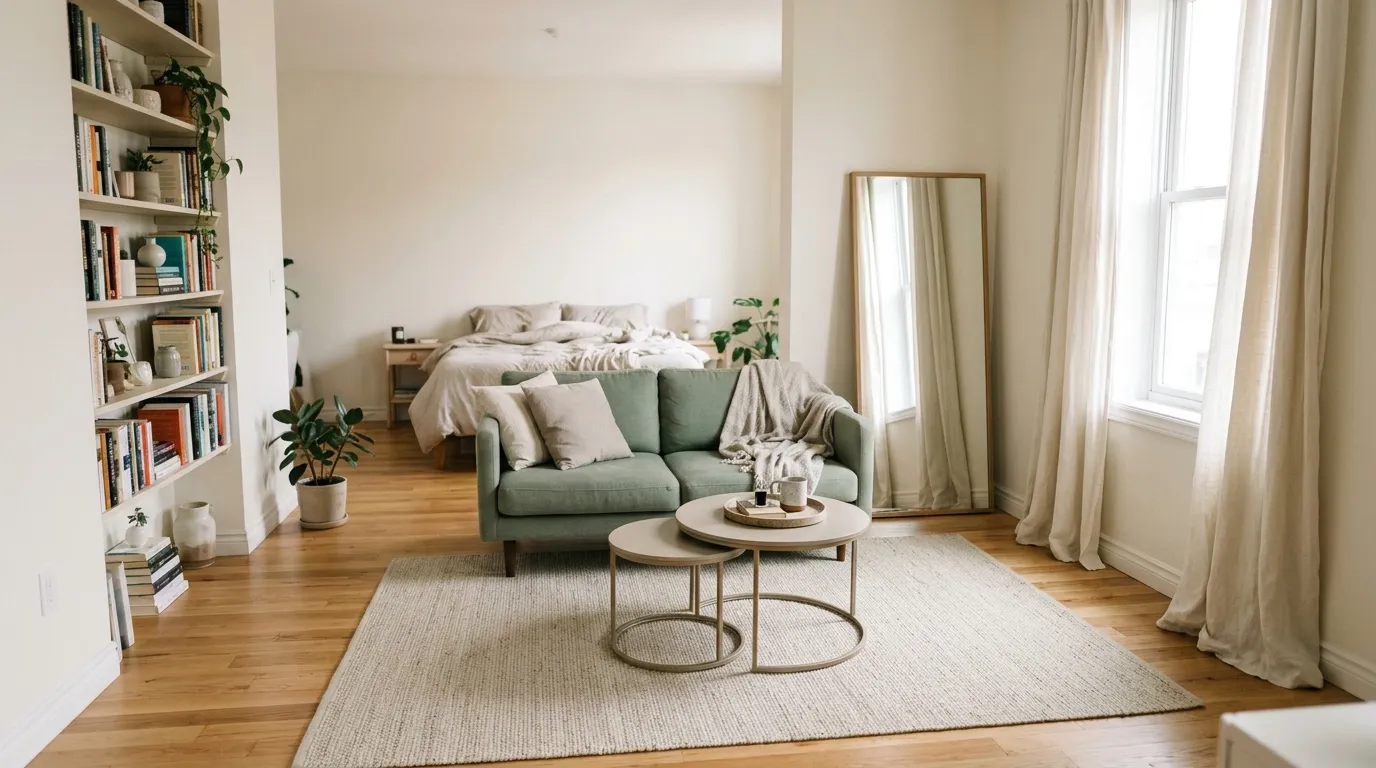
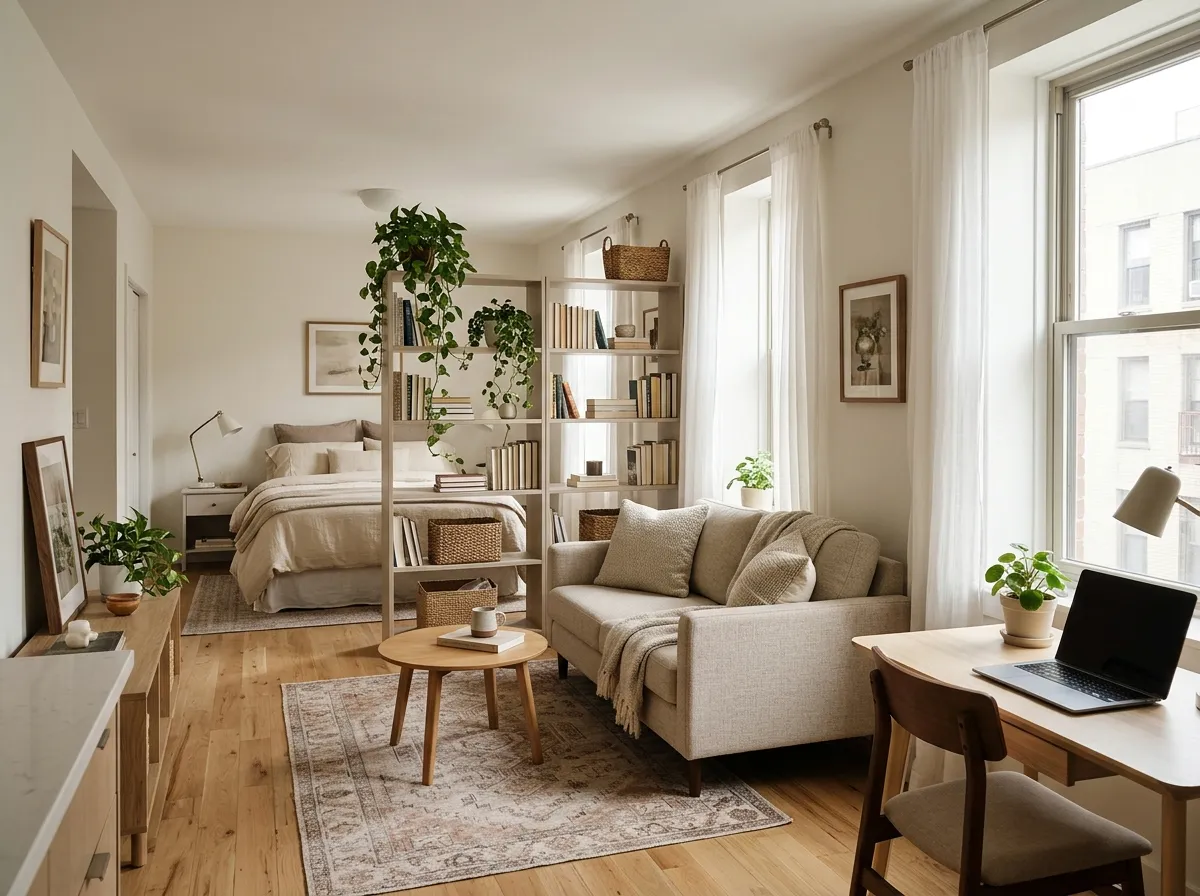
- Create zones in a studio. Use a rug or a shelf to separate sleeping, living and working areas. Our Rug Size Guide helps you choose a rug that anchors each zone.
- Keep sightlines open. Low furniture near windows lets light travel further.
The way light falls through a room also changes how a layout feels. If you are unsure whether you have enough lamps, try our Lighting Calculator.
Check it fits through the door
The planner shows whether a piece fits in the room, and whether it blocks a door swing. It does not show whether the piece can get there. Before you order anything large:
- Measure the piece in every direction, including diagonal depth.
- Measure the entrance, hallways, stair turns and elevator.
- Check the delivery rules, such as elevator booking times or stair limits.
Our Will It Fit? Checker helps you confirm the move before you buy.
Common layout mistakes
- Pushing everything against the wall. It can leave an empty middle and a room that feels like a waiting area. Try angling or pulling pieces out.
- Buying before measuring. A beautiful sofa that does not fit is the most expensive mistake.
- Blocking doors and drawers. Check every swing before you commit.
- Ignoring walkways. A room that looks great on paper can feel cramped if the paths are too tight.
- Too many large pieces. If your furniture covers most of the floor, remove one piece rather than squeezing in more.
- Forgetting the window and the light. Tall furniture can block the best part of the room.
- Not testing alternatives. The first layout is rarely the best. Try at least three before you decide.
Before you move anything: checklist
Tick these off before you start dragging furniture.
More questions
The most common questions are answered in the planner above. Here are a few more.
Where do I start when arranging a room?
Place the largest piece first, such as the bed or the sofa, then build around it. Add smaller pieces one at a time and check the walkways after each one.
How much space should I leave around furniture?
Leave 30 to 36 inches (75 to 90 cm) for main walkways, about 18 inches (45 cm) between a sofa and coffee table and at least 24 inches (60 cm) on the sides of a bed. Doors, closets and drawers should be able to open fully.
Can I add my own furniture sizes?
Yes. Type a name, width and depth in the custom piece fields and tap Add custom piece. It works like any other piece: drag it, rotate it or delete it. You can enter sizes in inches or centimeters, depending on your Units setting.
Is it better to push furniture against the walls?
Not always. Against the walls leaves an open center, which suits narrow rooms. Pulling pieces slightly away from the walls can make a room feel larger, and floating a sofa can define a zone in a bigger or open-plan space.
Ready to arrange? Scroll back up, enter your room size and try a few layouts. Once your furniture is in place, the next step is deciding what goes on the walls.